
Meta Description:
Keep your drone flying safely with this comprehensive monthly drone maintenance checklist. Covers battery care, propeller inspection, firmware updates, and professional service guidelines from MotionTech and DJI.
Bottom Line Up Front:
A consistent monthly maintenance routine—checking batteries, inspecting propellers, updating firmware, and cleaning sensors—prevents most mid-flight failures and extends your drone’s operational lifespan significantly. Skip this checklist, and you increase the risk of in-flight failures, degraded camera performance, and costly repairs down the line.
Why a Monthly Drone Maintenance Checklist Matters
Your drone is a precision instrument operating in demanding environments. Dust, debris, moisture, and general wear all take their toll over time. While pre-flight checks catch immediate issues, monthly maintenance identifies problems that develop gradually—loose screws you cannot feel during a quick inspection, corrosion in battery contacts, or firmware bugs that accumulate through regular updates.
MotionTech engineers emphasize that most drone failures trace back to preventable maintenance gaps. DJI’s official documentation supports this, recommending systematic inspections at regular intervals rather than reacting only when something breaks.
A monthly drone maintenance checklist takes 15–20 minutes if you stay consistent. That small time investment protects a potentially $1,000+ aircraft and the footage or data it captures.
Pre-Flight Checklist Review (Before Each Flight)
Monthly maintenance builds on consistent pre-flight habits. Before diving into monthly tasks, confirm you are already running these checks:
- Verify battery charge levels and physical condition
- Confirm propellers are secure and free from cracks
- Check that all arms and body joints are locked
- Ensure the camera gimbal moves freely
- Test radio connection and GPS lock
- Confirm microSD card has available space
If any of these fail during your monthly inspection, address them immediately or ground the drone until resolved.
Monthly Hardware Inspection
Frame and Body
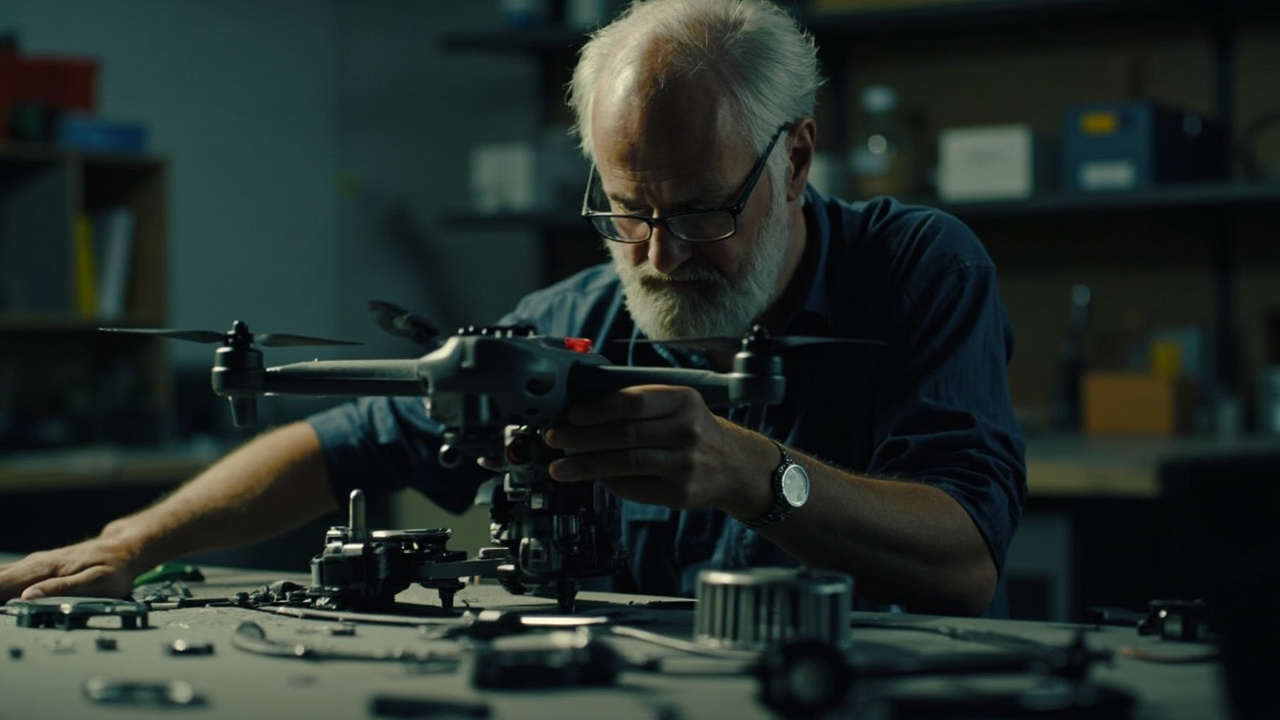
Remove the drone from its case and inspect the entire airframe under good lighting.
- Check all screws and fasteners: Use the appropriate screwdriver to retighten any that feel loose. Vibration loosens hardware over time.
- Inspect the body for cracks or dents: Pay special attention to the motor mounts and landing gear attachment points.
- Examine the camera mount and gimbal: Ensure the gimbal damper shows no signs of hardening or deterioration.
- Clean air vents and ventilation channels: Compressed air works well for clearing debris from motor vents without disassembly.
Propeller Inspection
Propellers are the most frequently replaced components for a reason—they endure extreme stress on every flight.
- Remove each propeller carefully and inspect both sides
- Look for chips, cracks, peeling, or any deformation
- Check that propeller hubs are secure and the locking mechanism functions properly
- Replace any propeller showing visible wear, even if it still appears functional
- Ensure you are using manufacturer-approved replacement blades
MotionTech’s maintenance guides note that unbalanced propellers cause micro-vibrations that degrade footage quality and stress internal components over time.
Motor Health
Motors rarely fail without warning signs, but those signs are easy to miss.
- Spin each motor by hand and listen for grinding, scraping, or irregular resistance
- Check that motor casings are free from cracks or melting signs
- Verify motor mounts show no signs of separation from the frame
- Confirm all wiring to each motor is intact and securely connected
Battery Care and Storage
Batteries represent your drone’s most critical consumable—and the component most likely to cause safety incidents if neglected.
Monthly Battery Inspection
- Visual inspection: Look for swelling, punctures, corrosion on contacts, or melted housing material
- Contact cleaning: Use a dry, soft-bristled brush to clean battery contacts. Avoid moisture-based cleaners.
- Capacity check: Most drones display battery health in the companion app. Note any capacity degradation from the original rating.
- Storage voltage: For LiPo batteries, store at 40–60% charge if not flying for more than a week
Battery Best Practices
- Never charge batteries immediately after flight—allow them to cool to ambient temperature first
- Use only manufacturer chargers or approved third-party options
- Replace batteries that swell or show significant capacity loss
- Avoid storing batteries in extreme temperatures
DJI recommends checking battery firmware monthly as part of your inspection routine, as battery management systems receive updates that improve safety and longevity.
Firmware and Software Updates
Software maintenance directly impacts flight safety. Manufacturers release firmware updates to patch bugs, improve stability, and address newly discovered vulnerabilities.
Monthly Software Checklist
- Check for firmware updates: Use the official companion app or manufacturer website weekly if possible, but at minimum monthly
- Update remote controller firmware: Do not neglect the transmitter—this often gets overlooked
- Review app updates: Keep your flight control app current
- Clear cached data: Accumulated cache files occasionally cause communication glitches between the drone and controller
- Verify geofencing data: Ensure no-flight-zone databases are current, especially if you fly near airports or restricted areas
After updating firmware, perform a test flight in a safe, open area to confirm all systems function normally before resuming normal operations.
Camera and Sensor Maintenance
Your drone’s imaging system requires specific attention, particularly if you rely on it for professional work.
- Clean the lens: Use a microfiber cloth and lens-appropriate cleaner. Avoid abrasive materials.
- Check gimbal calibration: If the horizon looks tilted in footage, recalibrate through the app
- Inspect ND filter threads: If using filters, ensure they are clean and thread smoothly
- Verify obstacle avoidance sensors: Most drones have a self-test function—run it monthly
- Check microphone function: If your drone records audio, test that input before important flights
Storage Considerations
How you store your drone between flights affects its condition significantly.
- Use a hard-shell case that protects against impacts and temperature fluctuations
- Remove batteries and store separately at recommended voltage levels
- Keep the drone in a climate-controlled space—avoid attics, garages, or vehicles during extreme weather
- Consider moisture-absorbing packets in the case if you fly in humid environments
- Store propellers flat or as the manufacturer recommends to prevent warping
When to Seek Professional Service
Monthly maintenance catches most developing issues, but some problems require expert intervention.
Contact a professional repair service if you notice:
- Persistent motor noise or vibration after cleaning and balance checks
- Gimbal drift that recalibration does not resolve
- Battery swelling you cannot reverse or explain
- Visible damage to internal components after a crash or hard landing
- Erratic GPS behavior or compass errors
- Any crack in the motor mount or central body structure
MotionTech recommends annual professional inspections for drones used frequently or in harsh environments, even if no obvious problems exist. DJI offers authorized service centers for their product lines—always verify credentials if seeking repairs outside official channels.
Building a Sustainable Routine
Print a physical checklist and keep it with your gear. Mark inspection dates and any issues discovered. Over time, this log reveals patterns—certain components wearing faster, specific maintenance needs based on your flying environment, or early signs of systemic problems.
Monthly drone maintenance is not optional if you depend on your aircraft for work, research, or consistent recreation. The 15–20 minutes it takes monthly costs nothing compared to emergency repairs, lost footage, or worse—physical damage from an in-flight failure.
Stay consistent, document what you find, and address problems immediately. Your drone will reward you with thousands of reliable flight minutes when you need it most.
Related guides
Drone Flight School: Best Training Programs 2026
