
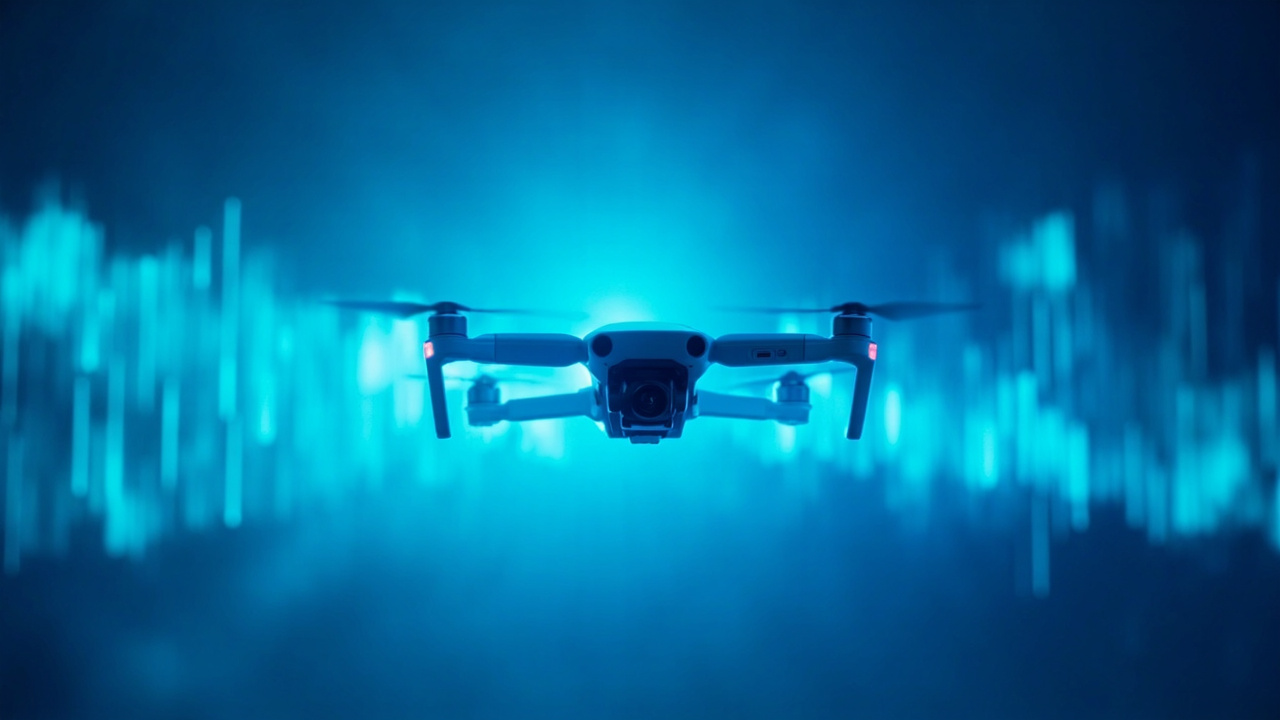
Experiencing drone range problems and signal loss? Learn the common causes and practical fixes to improve your drone’s signal reliability and flight range.
Drone Range Problems: Why Your Drone Loses Signal and How to Fix It
Bottom Line Up Front: Drone range problems stem from a handful of predictable causes—signal interference, outdated firmware, physical obstructions, and suboptimal controller settings. Most issues are fixable through firmware updates, equipment repositioning, and settings adjustments. If you’re experiencing signal loss, work through this guide systematically and you’ll likely regain reliable control before your next flight.
Understanding Drone Range Problems
Every pilot has faced the sinking feeling of watching your drone drift toward the edge of the map, only to see the signal weaken or cut out entirely. Drone range problems aren’t random— they’re diagnosable and often preventable.
The effective range of your drone depends on the transmission technology it uses, environmental factors, and how well you’ve maintained your equipment. Most consumer drones advertise ranges between 1-8 kilometers, but real-world performance is almost always lower due to interference that manufacturers can’t account for in ideal specifications.
Key causes of drone signal loss include:
- Radio frequency interference from Wi-Fi networks, power lines, and other wireless devices
- Physical obstructions like buildings, trees, and terrain
- Outdated firmware on the drone or controller
- Low battery voltage reducing transmission power
- Incorrect settings on the controller or app
- Hardware limitations of the drone’s transceiver
The good news is that you can address most of these without spending money on new equipment.
Diagnosing Your Drone Range Issues
Before making changes, you need to understand what’s causing your specific problem. Here’s a practical diagnostic approach.
Start with the Obvious
Check your controller and drone firmware first. Manufacturers push updates that often resolve connectivity issues. If you’re running outdated software, you’re working against a known problem that has a ready solution.
Next, verify your battery levels. Both the drone and controller batteries should be well-charged before flight. Low power reduces transmission strength and can trigger automatic signal throttling in some systems.
Conduct a Line-of-Sight Test
Find an open area with minimal obstructions. Fly your drone in a direction where you have clear visibility. If range improves dramatically in this test, your problem is likely environmental rather than hardware-related.
Monitor Interference Sources
Before each flight, observe what wireless devices are active in your area. Neighboring Wi-Fi networks, cordless phones, baby monitors, and even some LED lighting can create interference. If you notice patterns—worse performance on certain channels or during specific times of day—interference is likely your culprit.
How to Fix Common Signal Loss Issues
Update Your Firmware
This is the most overlooked fix and often the most effective. Check your manufacturer’s app or website for updates to both drone and controller firmware. These updates frequently include transmission optimizations and bug fixes that directly address range problems.
Optimize Your Controller Settings
Most drone apps include adjustable transmission power and channel selection. If your app allows manual channel selection, try switching to a less congested frequency. Some systems offer "performance mode" settings that boost transmission power at the cost of battery life.
Settings to review in your drone app:
- Transmission power level
- Channel selection (auto vs. manual)
- Video resolution (higher resolutions require more bandwidth)
- Frequency band selection (2.4GHz vs 5.8GHz)
Reposition Your Hardware
The orientation and placement of your controller matters more than most pilots realize. Hold the controller at a slight angle rather than perfectly vertical. Ensure the antennae aren’t blocked by your body or gear. In some cases, simply raising the controller above ground level improves range.
Reduce Environmental Interference
When flying in areas with heavy Wi-Fi use, try these approaches:
- Fly at a higher altitude to clear obstructions and reduce ground-level interference
- Point the drone directly away from your position initially, then circle back—this can reduce direct interference paths
- Avoid flying near cell towers or large electrical infrastructure
- Choose early morning or late evening for longer flights when wireless activity is lower
Check Your Antennas and Hardware
Inspect your controller and drone for damaged antennae or connectors. A loose connection can cut range significantly. If you’re using third-party equipment or modifications, verify compatibility with your specific drone model.
When Hardware Limits Are the Real Problem
If you’ve exhausted the software and environmental fixes and still experience poor range, your drone may simply be operating at its physical limits.
Consumer-grade drones use integrated transmitter systems with finite power output. You cannot legally or safely modify transmission power on most models. In these cases, your options are:
- Accept shorter effective range in challenging environments
- Upgrade to a drone with better transmission technology
- Use signal boosters or range extenders that are approved for your model
- Deploy signal relay stations if your equipment supports them
Some pilots use signal relay devices or antennas to improve range, but verify these are legal and safe for your specific aircraft. Not all accessories deliver the promised improvements.
Quick Checklist Before Every Flight
Run through this before launching to minimize range problems:
- [ ] Update firmware on both drone and controller
- [ ] Fully charge all batteries
- [ ] Check app settings for optimal transmission configuration
- [ ] Survey the area for potential interference sources
- [ ] Conduct a short range test before flying far from your position
- [ ] Keep the controller antenna properly oriented
Final Thoughts
Drone range problems rarely have a single cause. The most reliable approach combines firmware maintenance, environmental awareness, and proper settings optimization. Start with the simplest fixes—updates and settings—before assuming you need new equipment.
Most pilots who experience chronic signal loss are dealing with preventable issues that a systematic diagnostic approach can identify. Work through this guide, note what changes improve your results, and build your own pre-flight routine around the factors that actually affect your specific flying environment.
Reliable signal connection is fundamental to safe and enjoyable flights. Invest the time to understand and optimize your setup—you’ll gain confidence and get more out of every flight session.
Related guides
Drone Flight School: Best Training Programs 2026
